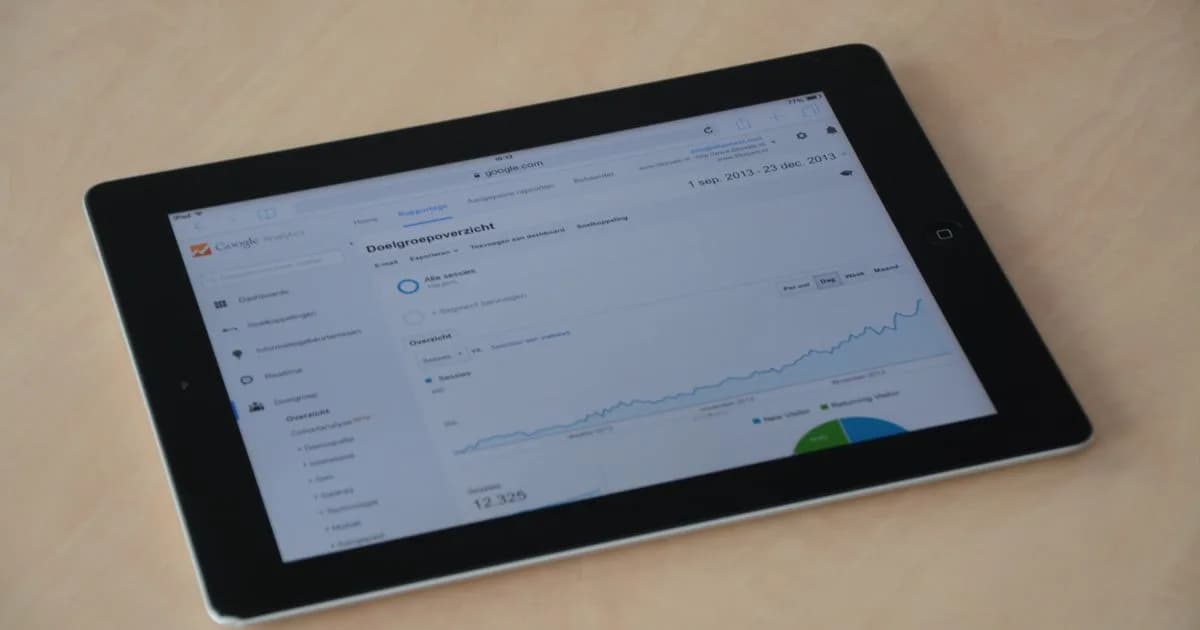
To track conversions in GA4 you turn the actions that earn money into events, mark those events as key events, and pass them to Google Ads and Meta so the algorithms optimize toward real leads instead of raw clicks. On a lead-gen site the actions are form submits, phone taps, WhatsApp clicks and bookings; in a store they are add to cart, begin checkout and purchase. When this plumbing is missing or broken, you are spending ad money blind, and that is where most of it quietly disappears.
I wire up analytics on the sites and stores I build, so here is the honest version - with the traps that eat budgets and the checklist to catch them.
You can't scale what you don't measure
Every marketing decision you make - which channel to fund, which page to fix, which keyword to pause - is a guess until a conversion number backs it. Without tracking you optimize for clicks and traffic, which feel like progress and cost real money, but a click that never becomes a lead is an expense, not a result.
The uncomfortable part: on most small-business accounts I audit, the tracking is either broken or was never wired up. The pixel fires on every page but never on the actual form submit. GA4 counts "page_view" as a conversion. Google Ads reports 40 conversions that are really 40 people tapping the phone number twice. The dashboard is green, the bank account is not. Fix measurement first, because everything downstream depends on it.
Events vs key events: what GA4 calls a conversion
In GA4 everything a user does is an event - a page view, a scroll, a click, a form submit. An event becomes a key event (Google renamed "conversions" to "key events" in 2024) the moment you flag it as one that matters to the business. That flag is the whole trick: it tells GA4, and later Google Ads, "this is the outcome I'm paying for."
So the workflow is always the same:
- Decide the 2-4 actions that equal money for you.
- Make sure each fires as a clean event with a clear name.
- Mark those events as key events in GA4.
- Import them into Google Ads and Meta as conversions.
Everything else in GA4 is context. These few key events are your scoreboard.
What to track (and what to skip)
Track the action closest to money, not the fluff around it. Here is the split I use.
| Business type | Track as key events | Nice to have | Skip as a conversion |
|---|---|---|---|
| Lead-gen (services) | form submit, phone tap (tel: click), WhatsApp click, booking confirmed | email click, price-list PDF download | page_view, scroll, time on page |
| Online store | add_to_cart, begin_checkout, purchase (value + currency) | view_item, sign_up, newsletter | generic "button click" |
For a store, purchase must send a value and a currency (for example value: 249, currency: "PLN"). Without that number Google and Meta can chase sales but can't optimize for revenue or calculate ROAS. For lead-gen, the single most-missed event is the phone tap on mobile - half your leads may call instead of filling a form, and if you don't track the tel: click, those leads are invisible.
Google Tag and GTM: how the data actually gets in
There are two ways to feed GA4.
Google tag (gtag.js). One snippet on the site sends page views and basic events straight to GA4. Fine for a simple site where you only need page views and a couple of clicks.
Google Tag Manager (GTM). A container you drop in once, then you configure every tag (GA4, Google Ads, Meta Pixel) and every trigger (form submit, tel: click, purchase) from a dashboard without touching code again. For anything with real conversions, use GTM. You set the form-submit trigger up once and it feeds GA4, Google Ads and Meta at the same time, from one place.
The practical layout: GTM holds the tags, GA4 receives the events, you mark the important ones as key events, and GTM fires the Google Ads and Meta tags on the same triggers. One source of truth, three destinations.
Sending conversions to Google Ads and Meta
This is the step that turns tracking into cheaper leads, and the one most people skip.
- Google Ads: link your GA4 property to Google Ads and import the key events as conversions, or use a dedicated Google Ads conversion tag in GTM. Now bidding optimizes toward form submits and purchases, not clicks.
- Meta: install the Pixel, but don't stop there. Since the iOS privacy changes the Pixel alone loses 20-40% of events, so add the Conversions API (CAPI) - a server-side channel that reports conversions to Meta even when the browser blocks the pixel.
Why it matters: when you feed real conversions back, the algorithm learns what a buyer looks like and finds more of them. Optimize toward clicks and you get cheap clicks that never convert. Optimize toward imported conversions and the cost per real lead drops, often sharply, on the exact same budget.
Consent Mode v2 and RODO: the EU part that breaks tracking
If you have visitors in the EU, this is not optional. Under RODO (GDPR) you must ask consent before setting analytics and marketing cookies, and since March 2024 Google requires Consent Mode v2 for Google Ads and GA4 to work properly in the EEA.
What the compliant stack looks like:
- A cookie banner / CMP (consent management platform) that asks before loading any trackers.
- Consent Mode v2 wired to that banner, passing the consent state to Google. When someone declines, Google still receives privacy-safe modeled data instead of nothing.
- Ideally server-side tagging and CAPI, which send events from your server rather than the browser: more accurate, more resistant to ad blockers and Safari, and cleaner for consent.
Skip Consent Mode v2 and two things happen. You are non-compliant with RODO, and Google Ads audience and remarketing features quietly stop collecting data. Both cost money.
Symptoms your tracking is broken
The signs I see over and over:
- Google Ads shows conversions but your inbox and phone are quiet - it's counting the wrong thing.
- GA4 "key events" include page_view or session_start.
- Conversion counts are suspiciously round, or double your real leads (double-firing).
- The phone tap and WhatsApp click aren't tracked at all.
- Purchases arrive without a value, so ROAS is blank.
- No cookie banner, or a banner that loads trackers before you click anything.
- You changed the site months ago and nobody checked the tags still fire.
Any one of these means you are partly blind. Two or more and your ad reports are fiction.
A setup checklist you can run this week
- Create or verify the GA4 property and confirm real-time events show up.
- List your 2-4 money actions and set each up as a clean event.
- Mark them as key events in GA4.
- Install GTM and move all tags (GA4, Google Ads, Meta) into it.
- For stores, send purchase with value and currency.
- Link GA4 to Google Ads and import the key events.
- Add the Meta Pixel plus Conversions API.
- Install a CMP and wire Consent Mode v2.
- Test every event in GA4 DebugView and Google Tag Assistant before you trust the numbers.
What a proper setup costs
| Package | What's inside | Price (PLN) | In euro |
|---|---|---|---|
| Basic GA4 | GA4, key events, basic Consent Mode v2 | 1,500 - 2,500 zł | €350 - 600 |
| Full tracking | GTM, GA4, Google Ads + Meta import, CMP, Consent Mode v2 | 2,500 - 5,000 zł | €600 - 1,200 |
| Server-side + CAPI | Server-side tagging, CAPI, e-commerce purchase tracking | 5,000 - 9,000 zł | €1,200 - 2,000 |
These are Warsaw market ranges for 2026. It is a one-time setup that pays for itself the first month you stop optimizing toward clicks. On a €1,000 ad budget, cutting wasted spend by even 20% covers the basic package immediately.
I bake this into every project. On the Baltic Dockyard case the site shipped with lead intake and analytics wired from day one, so every enquiry was measured, not guessed. If you are already running ads, the fastest win is usually not a bigger budget but honest tracking, which I set up as part of my Google Ads and Meta service alongside the campaign itself.
FAQ
What is the difference between an event and a conversion in GA4? Every user action in GA4 is an event. A conversion, now called a key event, is an event you have flagged as business-critical, like a form submit or a purchase. You mark 2-4 events as key events, and those become the numbers Google Ads optimizes toward.
What should I track on a lead-generation website? The actions that turn into contact: form submits, phone taps (tel: clicks), WhatsApp clicks and confirmed bookings. The phone tap on mobile is the most commonly missed one, and it can be half your leads, so never leave it untracked.
Do I need Google Tag Manager or just the Google tag? For a simple site with page views only, the Google tag alone is fine. The moment you track real conversions and feed Google Ads and Meta, use GTM: you configure every trigger once, in one place, and update tags without touching code.
Is Consent Mode v2 mandatory in the EU? In practice, yes. Under RODO you need consent before tracking cookies, and since March 2024 Google requires Consent Mode v2 for Google Ads and GA4 features in the EEA. Without it you are non-compliant and your remarketing audiences stop collecting data.
Why import GA4 conversions into Google Ads and Meta? So the algorithms optimize toward real leads and sales instead of clicks. When you feed back actual conversions, bidding learns what a buyer looks like and finds more of them, which lowers your cost per lead on the same budget.
How do I know my conversion tracking actually works? Test with GA4 DebugView and Google Tag Assistant: trigger each action yourself and confirm the event fires once, with the right name and, for purchases, a value. Then cross-check that Google Ads conversion counts roughly match the real leads in your inbox and CRM.
Running ads without knowing which ones bring leads is just paying Google and Meta to guess. I set up GA4, GTM, conversion import and CAPI as part of my Google Ads and Meta advertising service - so your budget optimizes toward real leads, not clicks. Get in touch and in 20 minutes I'll tell you whether your current tracking is lying to you.